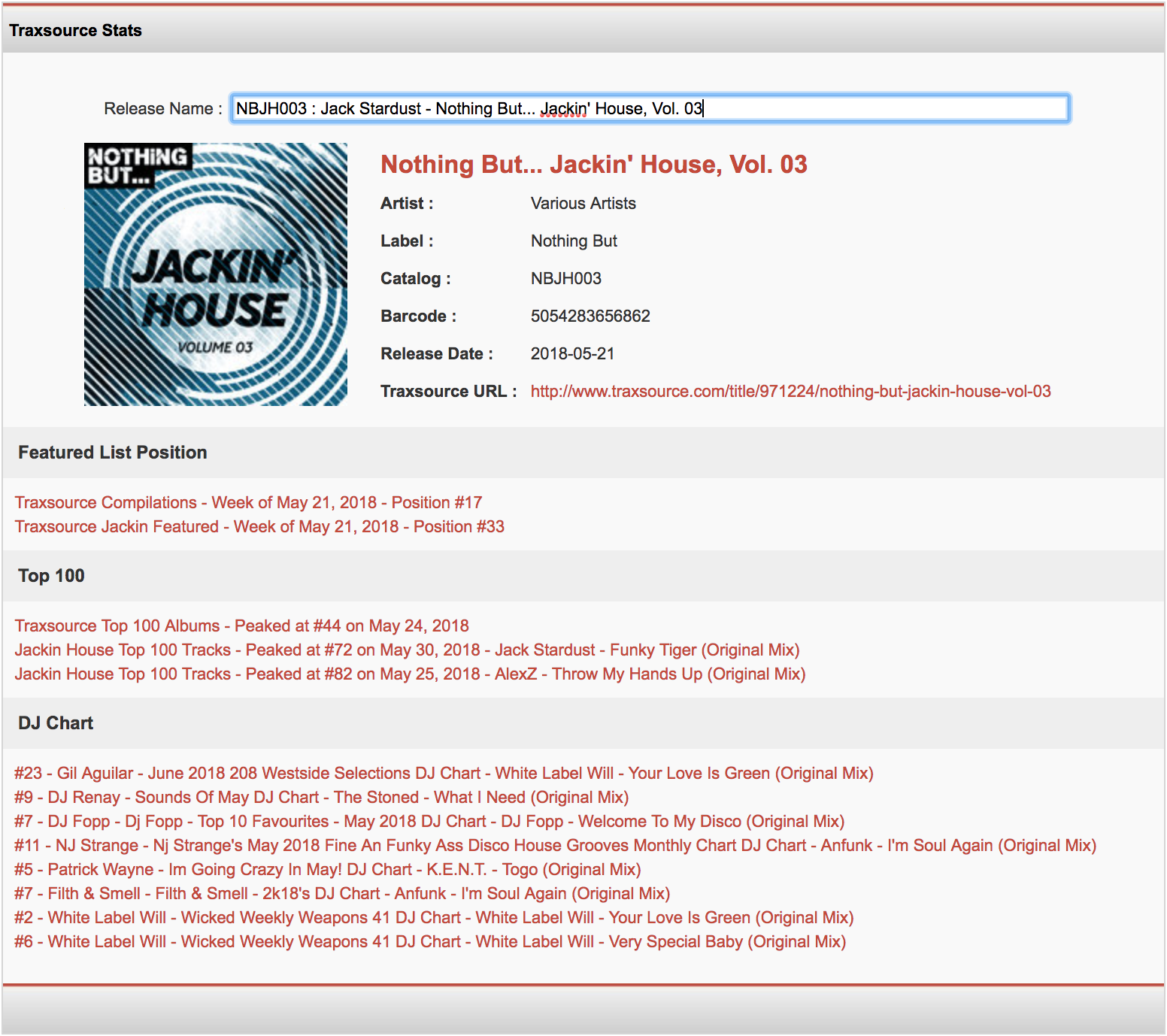
How do I check Traxsource release features, chart positions and DJ charts?
Using our Traxsource Stats tool, you are able to check your release features, chart positions and DJ chart inclusions on Traxsource.
The tool can be accessed by going to Reports > Traxsource Stats from the top menu.
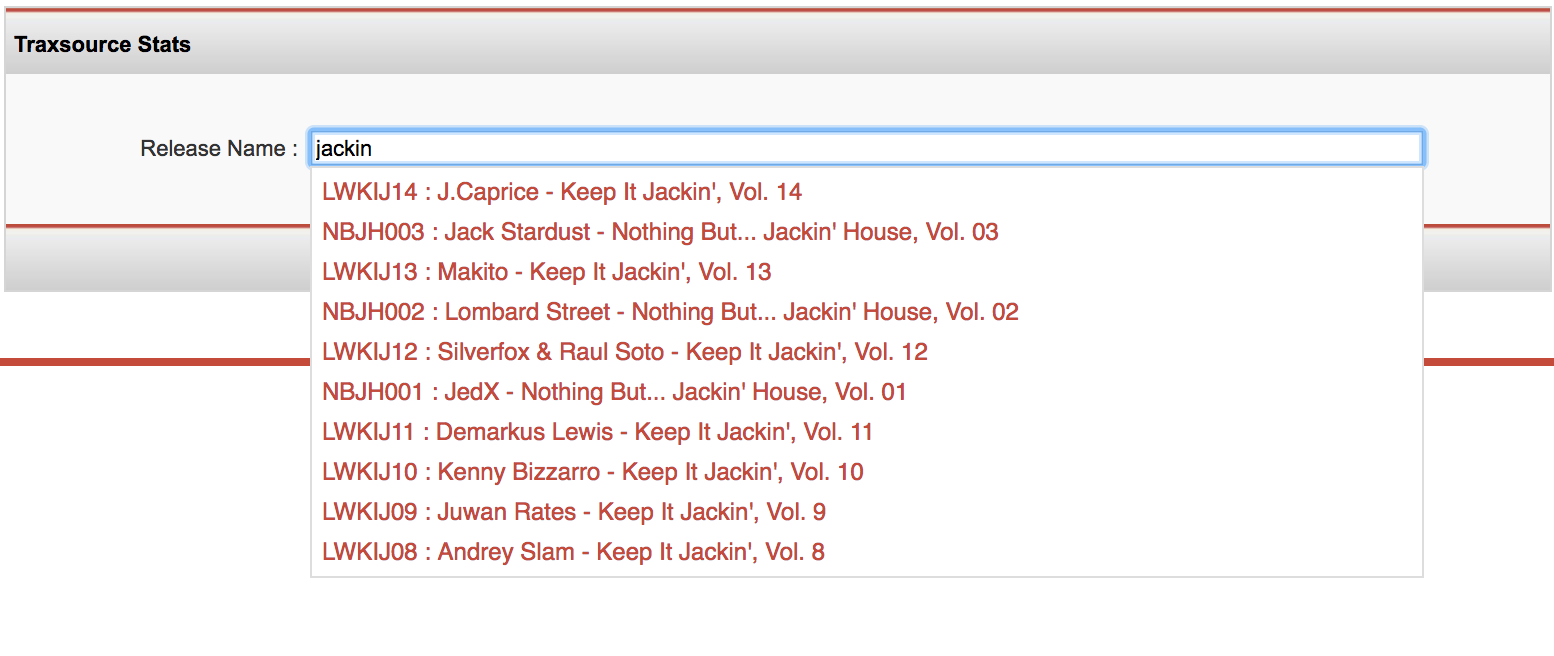
Search for and select your release in the search box.
Your release results will then be displayed.