How To Link A Credit or Debit Card To The System
A credit or debit card can be linked to the system and can be used for Label Worx subscription services and credit purchases.
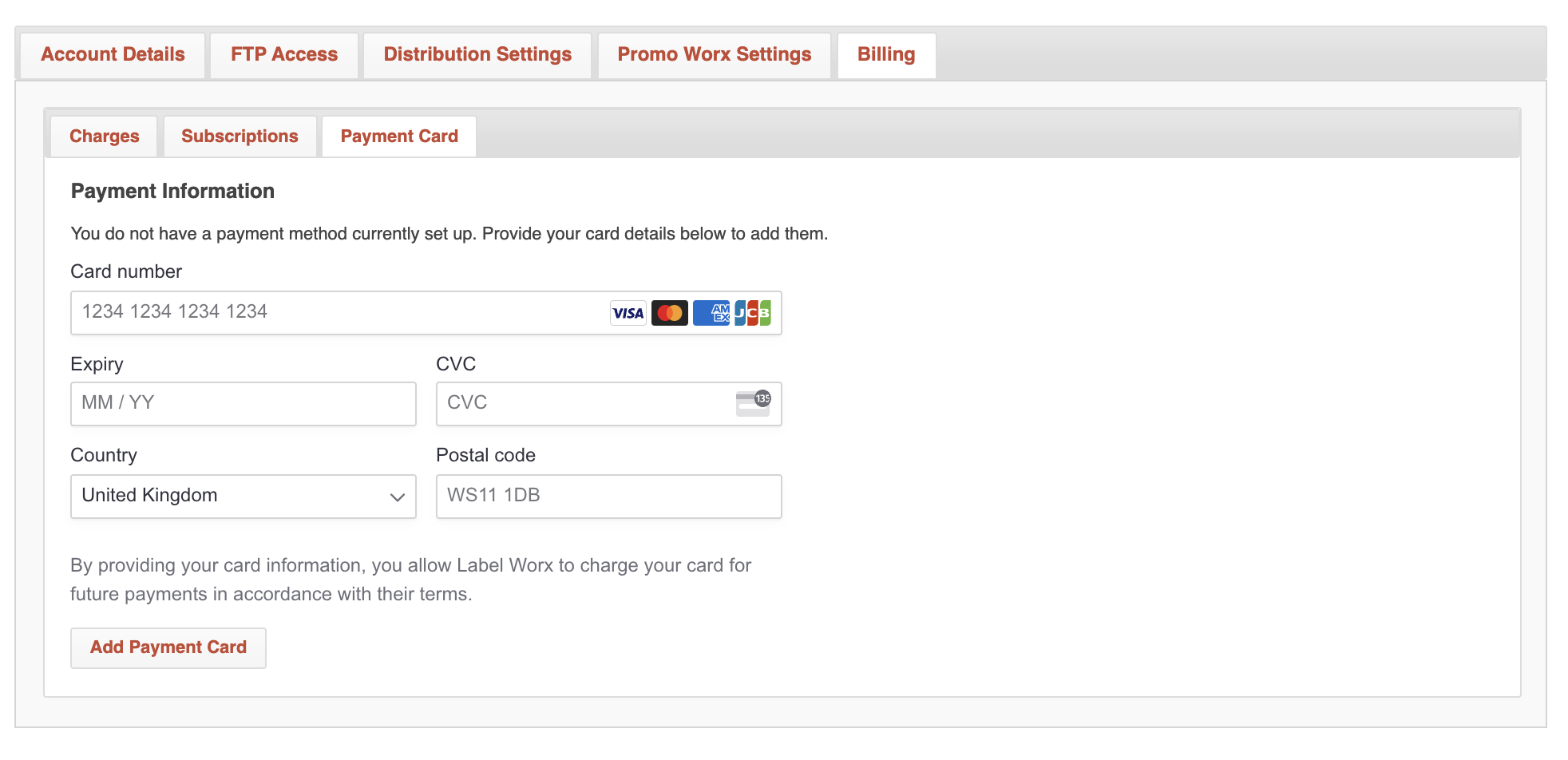
To link a card follow the below steps:
- Click "settings" in the top menu
- Select "Billing" -> "Payment Card"
- Here you are able to enter your card details
- To finish, click "Add Payment Card"