To add credits to your account complete the following steps :
1. Click the "Your Credits" button in the top right of your screen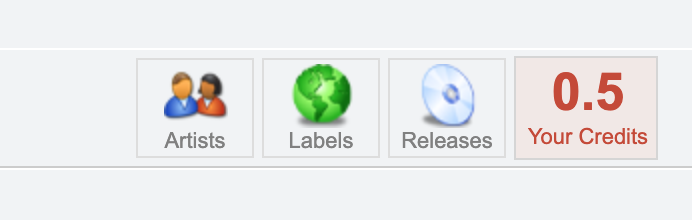
2. Click one of the credit packages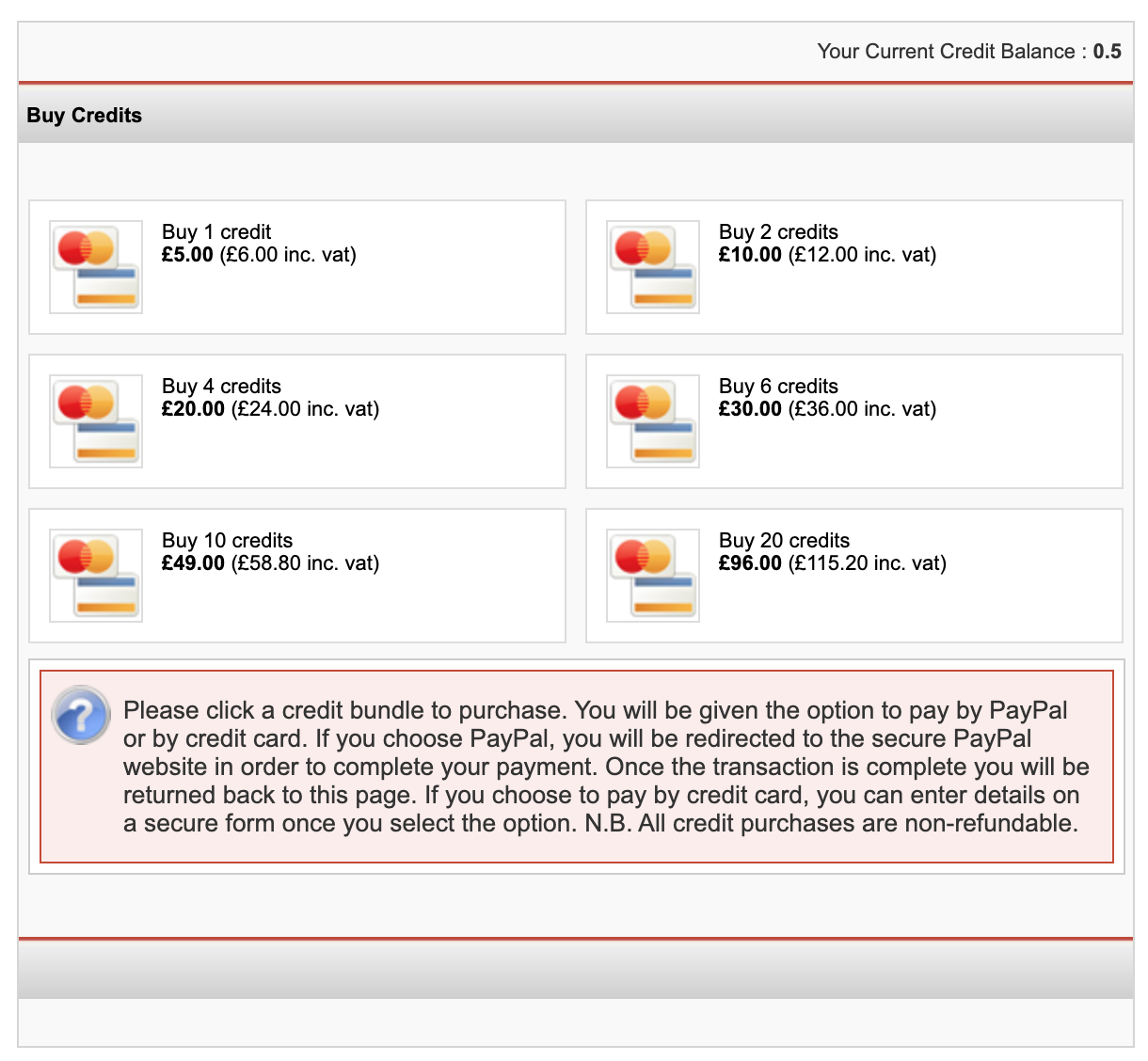
3. You will then be presented with a payment method, either Credit Card or PayPal. Choose your preferred payment method and you will then be taken to the PayPal payment screen or credit card payment screen.
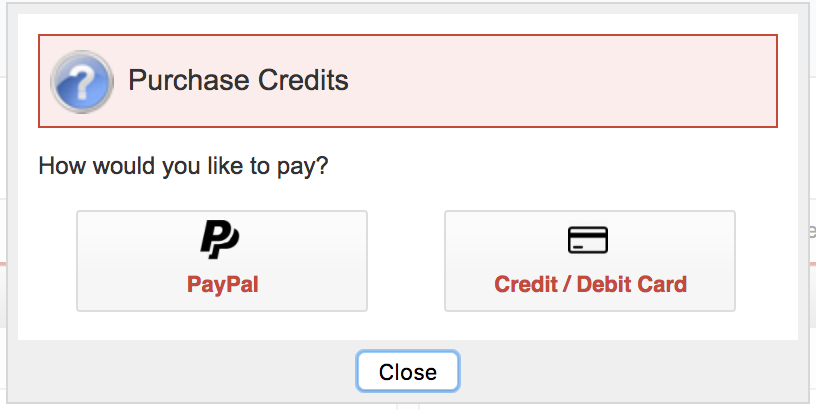
Paying via PayPal
If you wish to pay by Paypal login with your Paypal details on the right to complete the purchase.
Paying via credit card
If you have a card linked to the system, you will be prompted to pay with this card.
If you would like to speed up this process in the future and add a card to the system, please see this Knowledge Base article.
If you do not have a card linked to the system you will be prompted to enter your card details to complete the purchase.
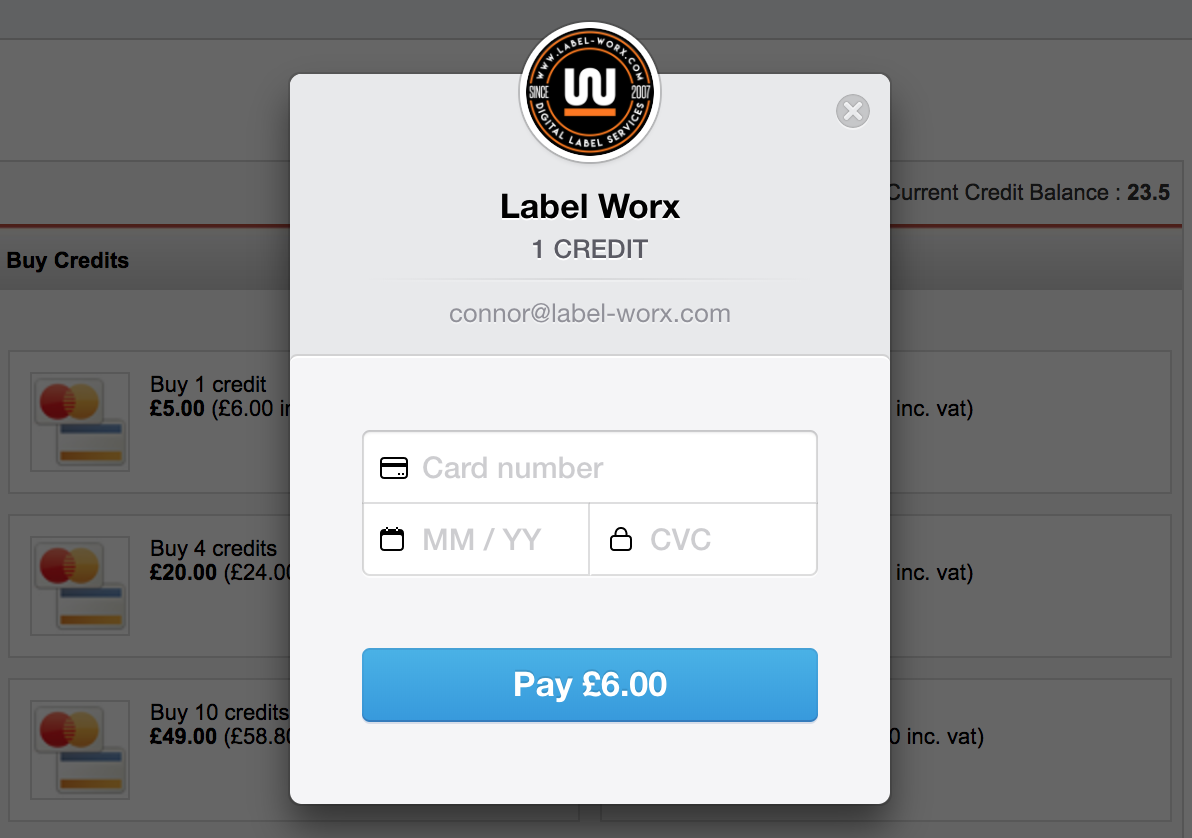
Once your transaction is complete you will be returned to the Label Worx system