How do I leave comments on a track in my DemoBox?
You can leave a comment on a track in your DemoBox when reviewing a track. This is useful if you have multiple people reviewing submissions, or you want to add a comment when replying to the submission.
To leave a comment, follow these steps:
1. Go to "Demos -> Demo Tracker"
2. Click "Open Player" on the relevant track
3. Click the grey field under the waveform
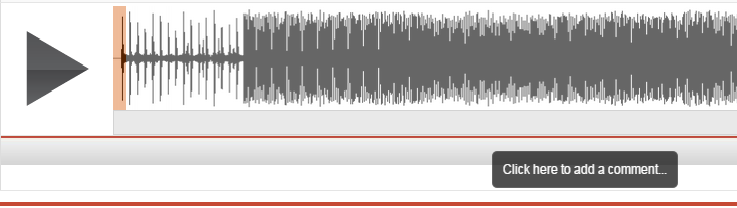
4. Type comment and press enter.
Note - You can set the link "Private" or "Public" to the right of the comment box.
- Setting the comment as "Public" will allow the comment to be added to the response email.
- Setting the comment as "Private" will only allow the comment to be viewed by admin in your "Demo Tracker"